Trip manifest
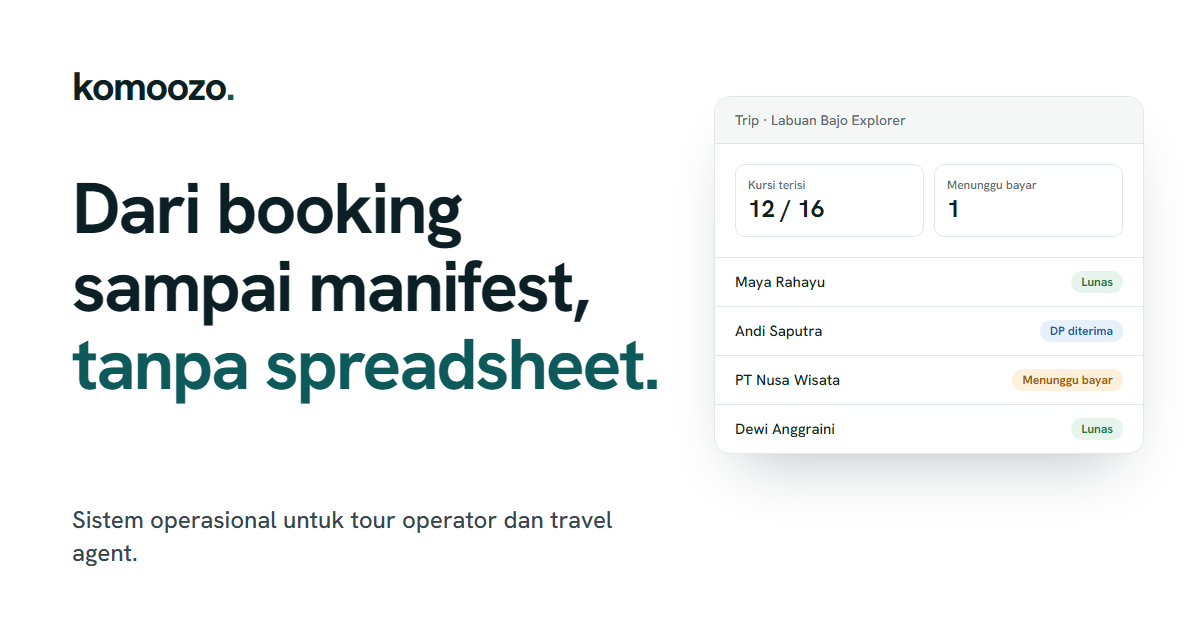
Trip manifest generated directly from booking data
Komoozo creates a passenger manifest from recorded bookings, so the operations team does not have to re-enter participant names. On-site check-in and vehicle assignments are recorded for each departure.
Updated
Without a shared system
Before departure, teams often gather participant names from multiple chats and spreadsheets, then copy them into a manifest. Last-minute participant changes can easily be missed.
How it works in Komoozo
Booking confirmed
Participants on bookings for that departure are used as the basis for the manifest.
Create manifest
The manifest is created from participant details for the departure.
Assign vehicles and team
Boats, guides, and vehicles are assigned to the departure.
On-site check-in
Participant attendance is recorded at departure.
Availability and limitations
Feature availability depends on the selected plan, and each user only sees menus relevant to their role and permissions. You should adapt the manifest format to local authority requirements; Komoozo does not claim compliance with any specific regulations.
Frequently asked questions
Can I download the manifest?
A manifest can be generated as a document from departure data.
What if a participant changes?
Update the booking details, then regenerate the manifest to include the latest information.