Travel booking system
Travel booking system with seat capacity per departure
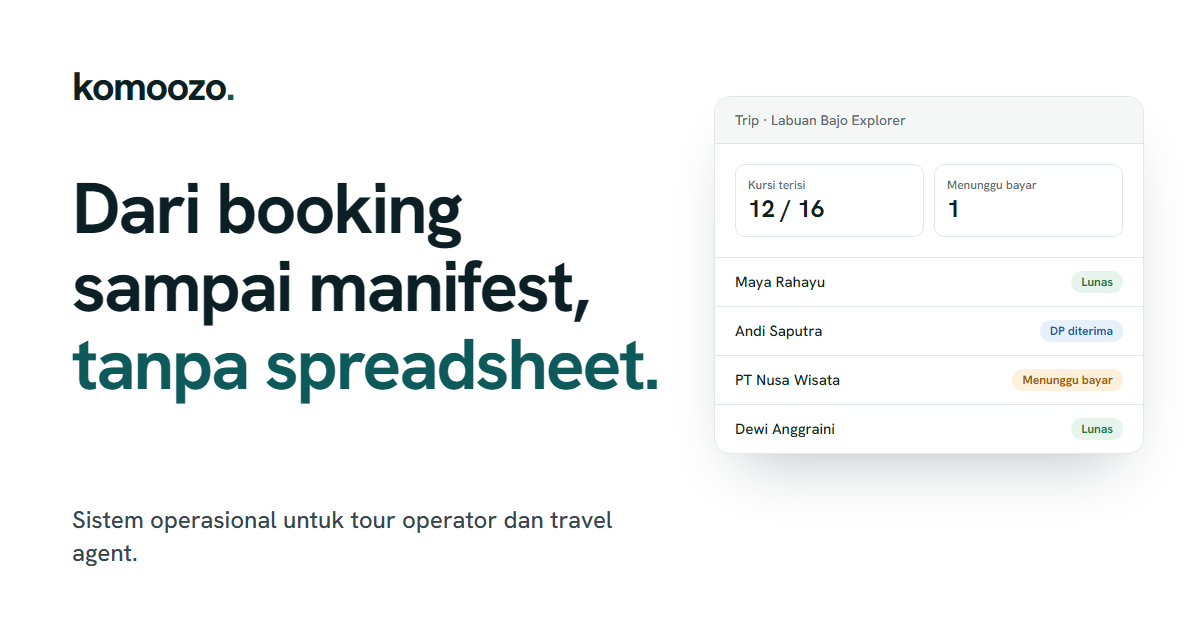
The Komoozo booking system helps reservation teams record bookings by departure, view remaining seats, store guest and participant details, and track the status of each booking.
Updated
Without a shared system
When bookings come in from many people and channels, seats can easily be sold twice. Guest details are scattered across chats, and the team has to ask about each booking’s status one by one.
How it works in Komoozo
Choose a departure
Bookings are made for a specific schedule with a set seat capacity.
Enter guest details
Booker details and participant names are saved with the booking.
Monitor capacity
Available seats for each departure are updated based on recorded bookings.
Track status
The team can view booking statuses according to their roles, until the trip is completed or cancelled.
Availability and limitations
Feature availability depends on the selected package, and each user only sees menus permitted by their role and permissions. Bookings are recorded in Komoozo; automatic synchronisation with OTAs or other sales channels is not yet available.
Frequently asked questions
Are available seats updated automatically?
Available seats are calculated from bookings recorded in Komoozo for that departure.
Can agents create bookings?
Agents can view their bookings through the agent portal, based on the access granted to them.